Setz Live upgrade
Control your DAW from your setlist
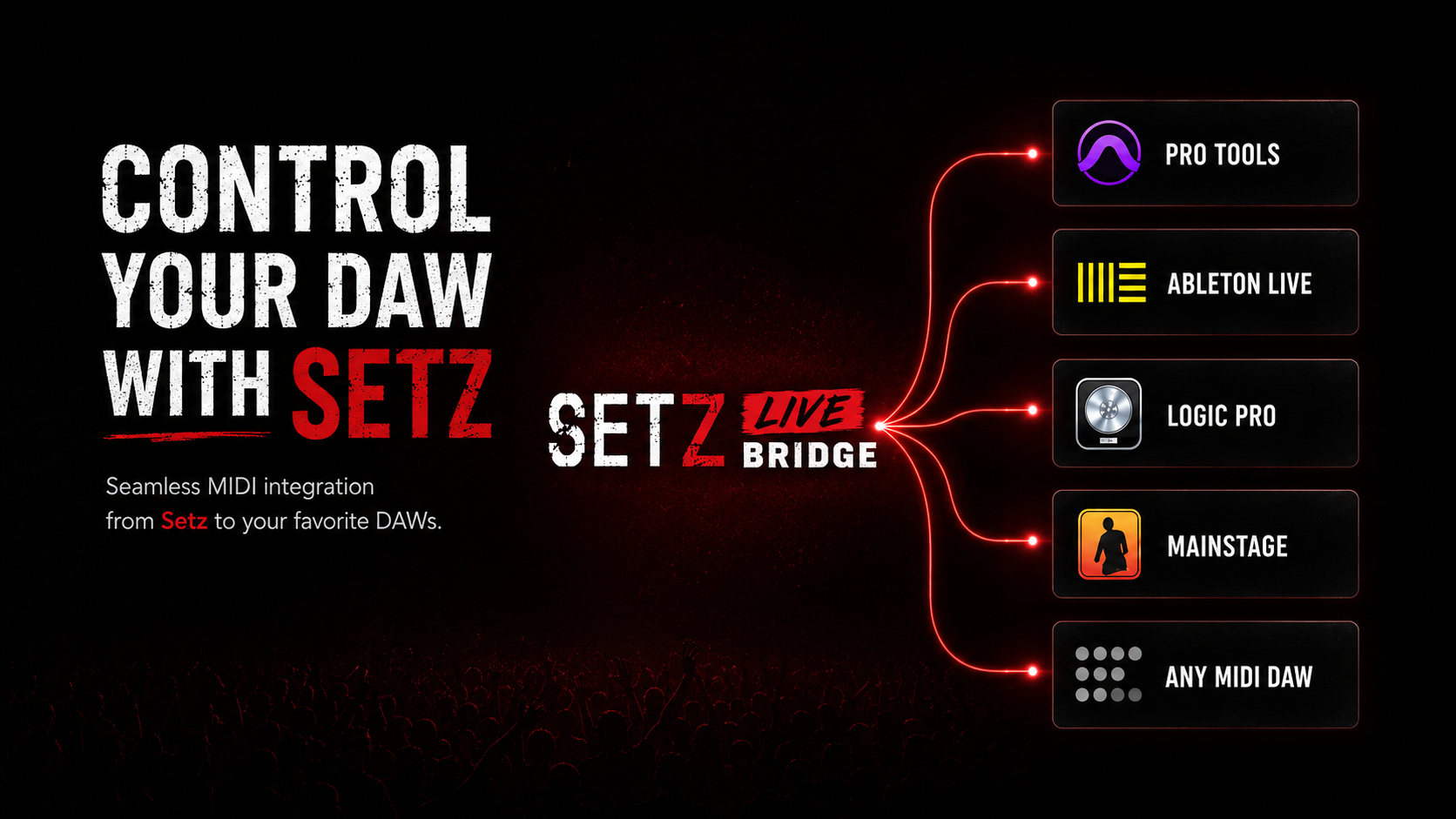
Setz Live connects the Setz app to Setz Live Bridge on your Mac, giving your show Pro Tools commands, MIDI notes, and timed pauses without taking your hands off the performance.
How it works
Two downloads, one live system
Setz stays on your device. Setz Live Bridge stays on the Mac that runs your DAW. Together they turn your setlist into live show control.
On your device
Download Setz
Setz is the app you use on your iPhone or iPad to build songs, setlists, lyrics, notes, and show order.
In Setz
Upgrade to Setz Live
Setz Live unlocks DAW control features while keeping every Setz feature you already use for rehearsals and shows.
On your Mac
Install Setz Live Bridge
The bridge is a separate Mac app that runs on the computer connected to your DAW.
During the show
Run cues from your setlist
Send Pro Tools commands, MIDI notes, and pauses from Setz so the show can advance hands-free.
Setz Live to Bridge
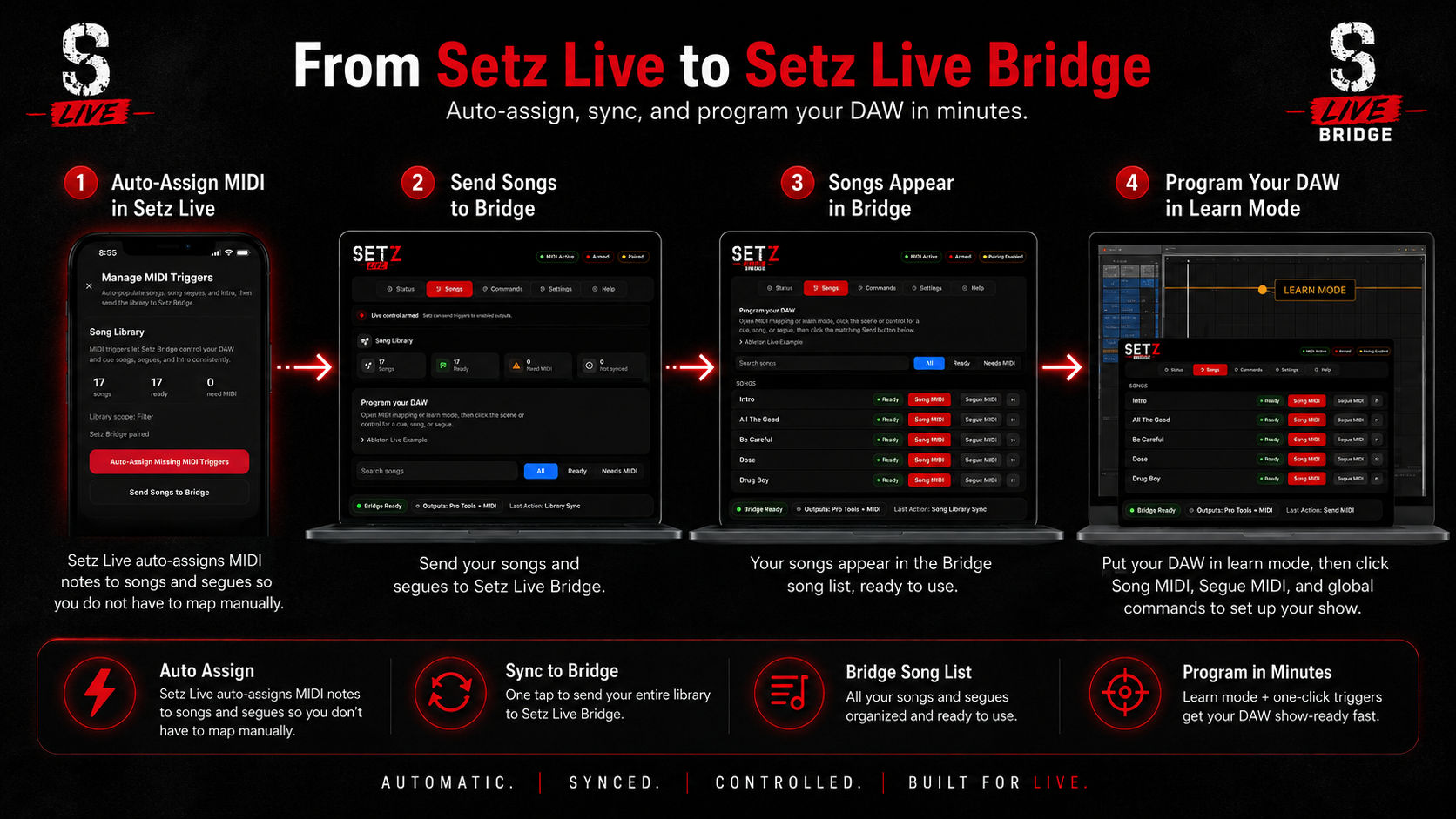
Sync your songs, then program your DAW
Setz Live auto-assigns MIDI triggers on your iPhone or iPad, sends your songs and segues to Setz Live Bridge, and gives your DAW a ready-to-program song list for learn mode.
Setz Live app preview
See the show flow before you hit play
Setz Live gives you a performance view for songs, intros, pauses, segues, and transport controls while Setz Live Bridge translates those moments into DAW commands on your Mac.
Run songs, intros, pauses, and segues from Setz Live Track Play
Edit show flow on iPad before rehearsal or showtime
Keep transport controls close while Bridge handles DAW communication

Live show control
Build a setlist that can run the room
Setz Live is made for musicians who need reliable show automation: track starts, DAW commands, MIDI cues, and deliberate pauses placed directly into the flow of the set.
Everything in Setz
Setz Live Bridge for Mac
Pro Tools command control
MIDI note triggers
Timed pauses for show flow
Hands-free show auto play
Downloads
Install each piece where it belongs
Setz Live uses two apps. Setz is your show controller on iPhone, iPad, or a compatible Apple silicon Mac. Setz Live Bridge is the separate Mac program that connects Setz to your DAW.

Setz app
This is where you build and run the show. Setz manages your songs, setlists, lyrics, notes, and MIDI trigger assignments, then sends that show data to Bridge.
Build songs, setlists, lyrics, notes, and show order
Auto-assign MIDI triggers for songs and segues
Send your song library and cues to Setz Live Bridge
Run the show from iPhone, iPad, or a compatible Apple silicon Mac
Setz Live Bridge
This is the Mac program that lives beside your DAW. Bridge receives songs, segues, and commands from Setz, then turns them into Pro Tools controls or MIDI notes.
Runs locally on the Mac connected to your live rig
Receives songs, segues, and MIDI assignments from Setz
Triggers Pro Tools commands and MIDI-capable apps
Keeps the DAW show-ready without cloud services during a show
How the two apps work together
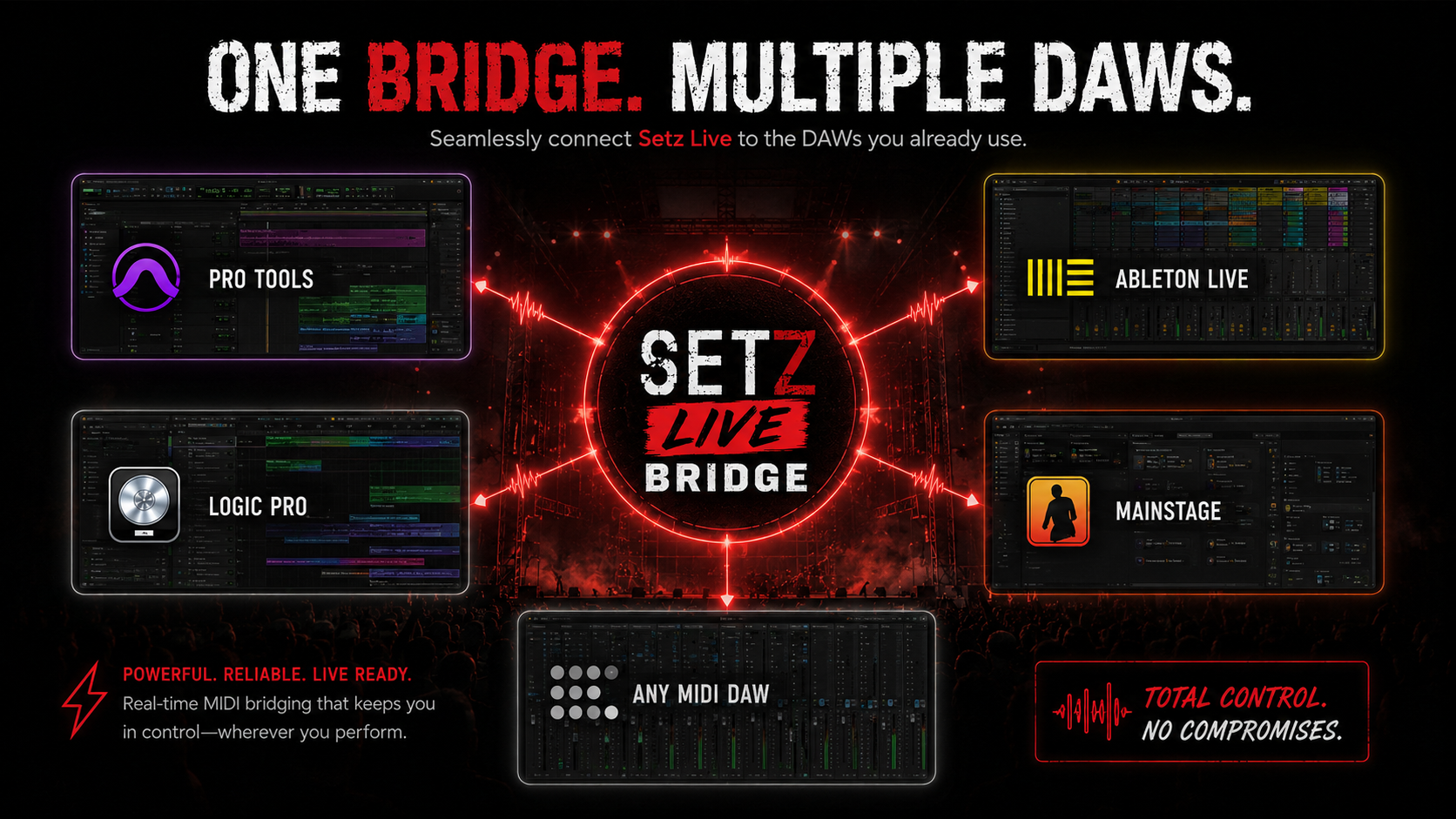
Setz Live runs the show from your device. Setz Live Bridge runs locally on your Mac, stays paired over local Wi-Fi, and translates each song, segue, cue, or command into DAW control.
Supported controls
Requirements
macOS 14 Sonoma or newer
Apple Silicon or Intel Mac
Local Wi-Fi network for iPhone/iPad connection
Setz iOS app
Pro Tools with supported scripting/SDK access enabled for Pro Tools control
A DAW or app that can receive MIDI from Setz Bridge MIDI for MIDI control
Setz Live Bridge runs locally on your Mac. It does not require cloud services during a show.
Setz Live pricing
Upgrade when your show needs DAW control
Setz Live includes Setz and adds Setz Live Bridge access for DAW control.
Monthly
$9.99/mo
Start with a 14-day free trial
Setz app subscription included
Bridge download access
DAW control from songs and setlists
Pro Tools commands, MIDI notes, and pauses
Hands-free auto play for live shows
Yearly
$99.99/yr
A full year of Setz Live access
Setz app subscription included
Bridge download access
DAW control from songs and setlists
Pro Tools commands, MIDI notes, and pauses
Hands-free auto play for live shows
Running Setz Live as a band?
Setz Live Bands gives one selected band shared Live access for up to 15 people for $249.99 per year.
Explore Setz Bands